Amazon search results first row is 80% sponsored. I searched for “mens shoes” and the first four results were all ads.
So I fixed it. Took about 5 minutes.
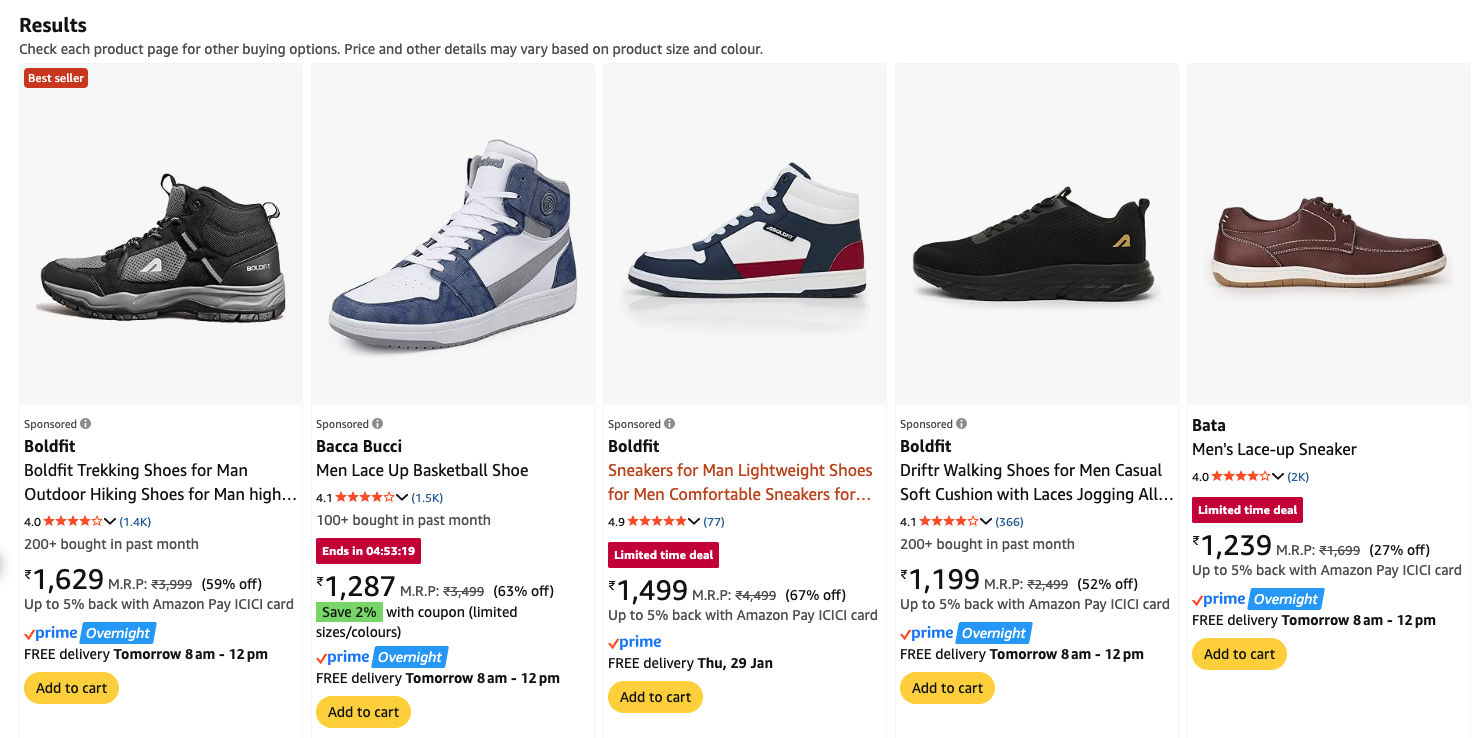
Now my Amazon looks like this:
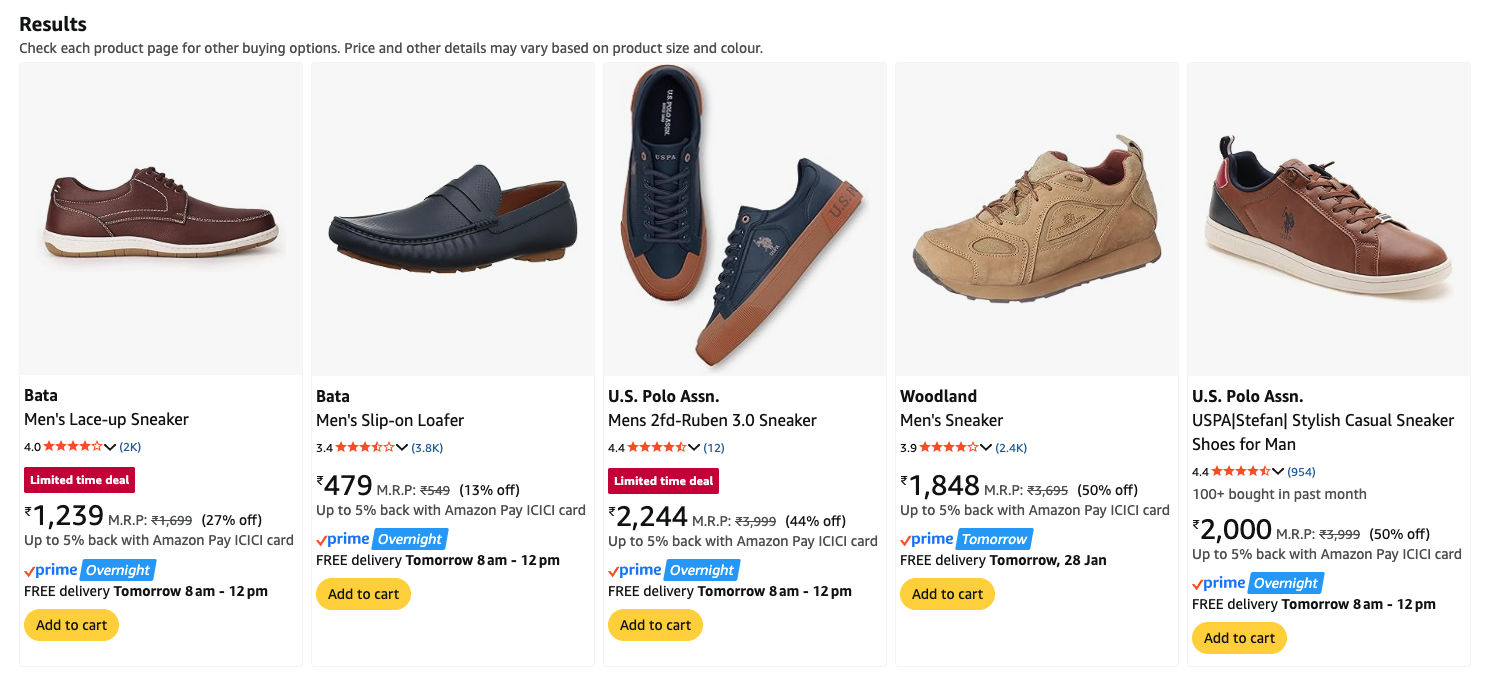
Here’s the thing: you can do this for any website. LinkedIn promoted posts, cookie consent banners, those annoying “sign up for our newsletter” popups. If you can see it, you can hide it.
What you need
- Tampermonkey - a browser extension that runs custom scripts on websites
- Any LLM (Claude, ChatGPT, whatever you use)
That’s it.
The workflow
Step 1: Find the annoying thing
Right-click on the element you want to hide. Click “Inspect”. This opens Chrome DevTools.
Or use the element picker: open DevTools (Cmd+Option+I on Mac, F12 on Windows), then click the cursor icon in the top-left corner. Now you can click anything on the page to select it.
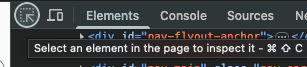
Step 2: Find the container
In the Elements panel, look for the parent element that wraps the entire thing you want to remove. For a product card, you want the whole card, not just the image or the text.
Step 3: Copy the HTML
Right-click on that element in DevTools → Copy → Copy outerHTML.
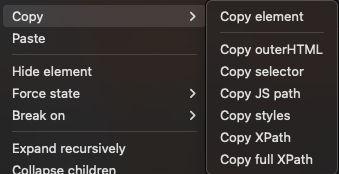
Step 4: Ask the LLM
Paste the HTML to Claude or ChatGPT. Attach a screenshot of what you’re trying to hide too - it helps the AI understand the context.
Say something like:
“Write a Tampermonkey script to hide elements like this on Amazon search results”
The LLM will analyze the HTML, find what makes the element unique (in my case it was a class called AdHolder), and write a script that hides all matching elements.
Step 5: Install the script
- Click the Tampermonkey extension icon
- Create a new script
- Paste the code the LLM gave you
- Save (Ctrl+S / Cmd+S)
- Refresh the page
Done.
Why this works
Every website marks special elements somehow. Ads need tracking. Sponsored content needs to be labeled (legally required in many places). Popups need to know when to show.
These markers are in the HTML. The LLM knows how to find them and write code to hide elements that match.
You don’t need to understand the code. You just need to know how to copy HTML and paste it somewhere.
The script I got
For the curious, here’s the final script on GitHub.
The key selector is .AdHolder - that’s the class Amazon uses to mark sponsored products. The LLM figured that out from the HTML I pasted. The script also has backup selectors in case Amazon changes things.
What else can you hide?
Anything with a consistent marker:
- LinkedIn “Promoted” posts
- Twitter/X ads
- YouTube video recommendations
- Cookie consent banners
- “Subscribe to newsletter” popups
- Paywalls (sometimes)
Same workflow. Right-click, inspect, copy HTML, ask LLM, install script.
You’re not stuck with how websites decide to show you things. You can change it.
This is all for personal use - you’re just modifying what your own browser shows you. Same as using an ad blocker.